| IRD6000 receiver |
IRD6000 satellite receiver.
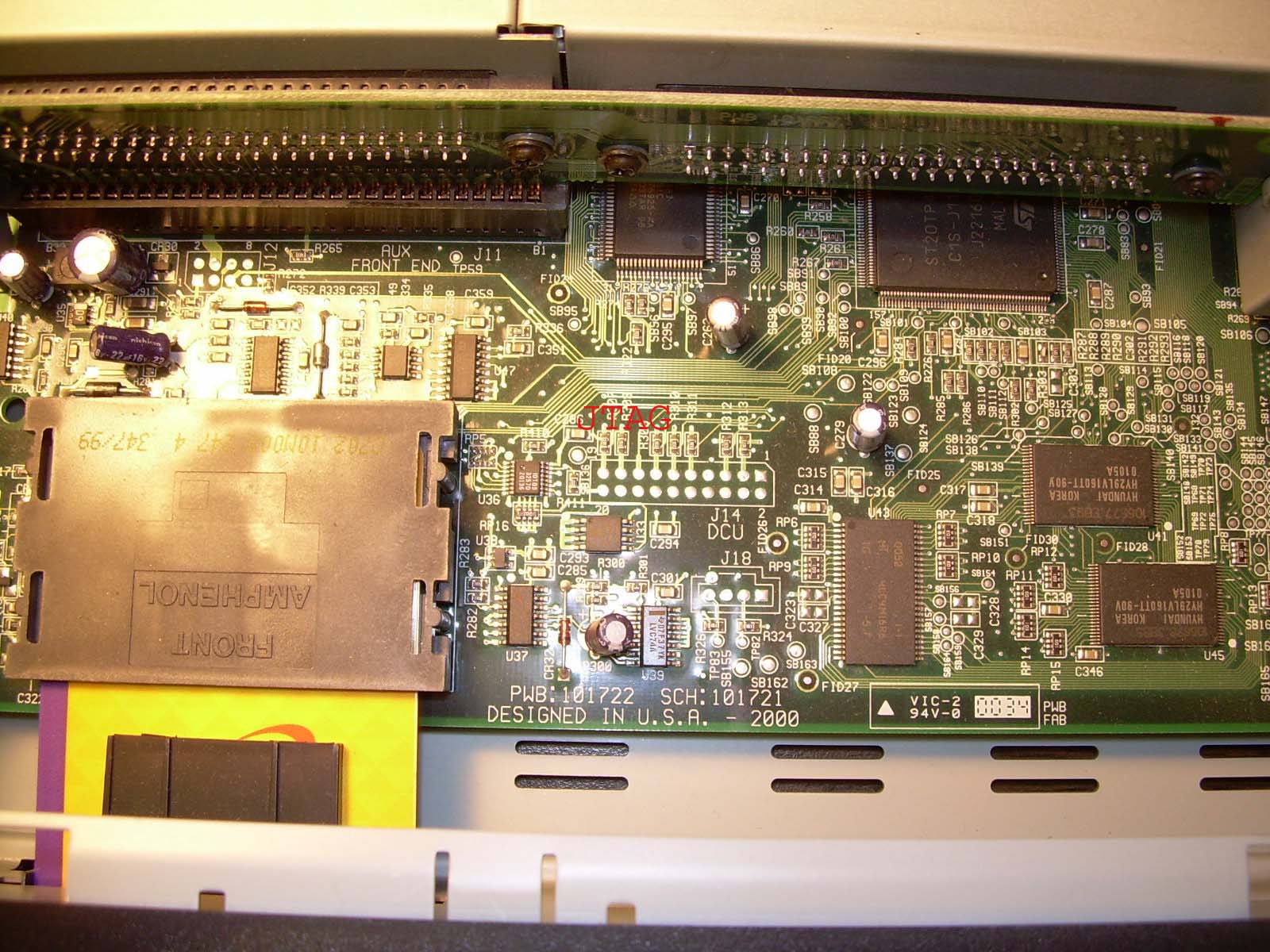
The CPU of the board is ST20-TP4. The tool to debug the JTAG DCU.
| Picture showing JTAG connector |
|
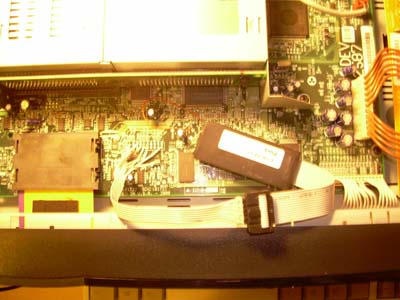
Picture showing JTAG connected
|
| JTAG Name | JTAG connector of USB JTAG | JTAG on IRD6000 You need to open the box like in the picture |
| TRST | Pin 1 | Pin 19 |
| TDI | Pin 3 | Pin 13 |
| TDO | Pin 5 | Pin 15 |
| TMS | Pin 7 | Pin 9 |
| TCK | Pin 9 | Pin 11 |
| Definition in usbjtag.def |
Commands (You must use 0.17 and up): |
|
Test: Name=IRD6000 IRLength=5 Memory=sys,0,0x2000,0x2000 Memory=ram,0,0x80000000,0x800000 Memory=flash,1,0x7FC00000,0x400000 Memory=Eeprom,2,0,0x2000 Programram=0x80000200 DCUReg=0x3000 Protocol=DCU Eepromprot=2 HiLo=1 Endian=Little Init=0x2000,0xB289 Init=0x2010,0xB6C9 Init=0x2020,0xB289 Init=0x2030,0xB6C9 |
Backup firmware detect 1. Unplug USB cable. 2. Power off IRD. 3. Power on IRD 4. Connect USB to PC detect again untill you not get ffff,ffff in the flash. getram flash(backup firmware) save flash batch file to program(6000.usp) // Detect the CPU and flash type. // You must see the flash type properly before you hit enter. if not break the script. detect pause // load the eeprom file. ldram eeprom // Load low word file U41 ldramh 7fc00000 // Load low word file U45 ldramh 7fc00002 // program the eeprom program eeprom pause // erase the flash erase flash // blank check the flash. blkchk flash //You must see the flash is blanked before hit enter to program. // if not break the script. pause // program the flash sprogram flash // compare the result cmpram eeprom cmpram flash // You have completed flash the IRD6000. congratulation!!. |